The Dynamic World of Digital Signage Monitors: Unlocking Their Potential
Where digital signage monitors show up in shops, offices, schools, hotels and clinics, how they differ from TVs, and what to plan before installing screens.
2 min

Count the screens on an ordinary errand and the number climbs quickly: the menu board at the coffee counter, the departure display at the station, the panel by the lift listing which floor holds which company. Digital signage has slipped into daily life so smoothly that it tends to register only on the day a screen goes dark. Behind each of those displays is a set of decisions about hardware, placement and content.
Not just a television on a wall
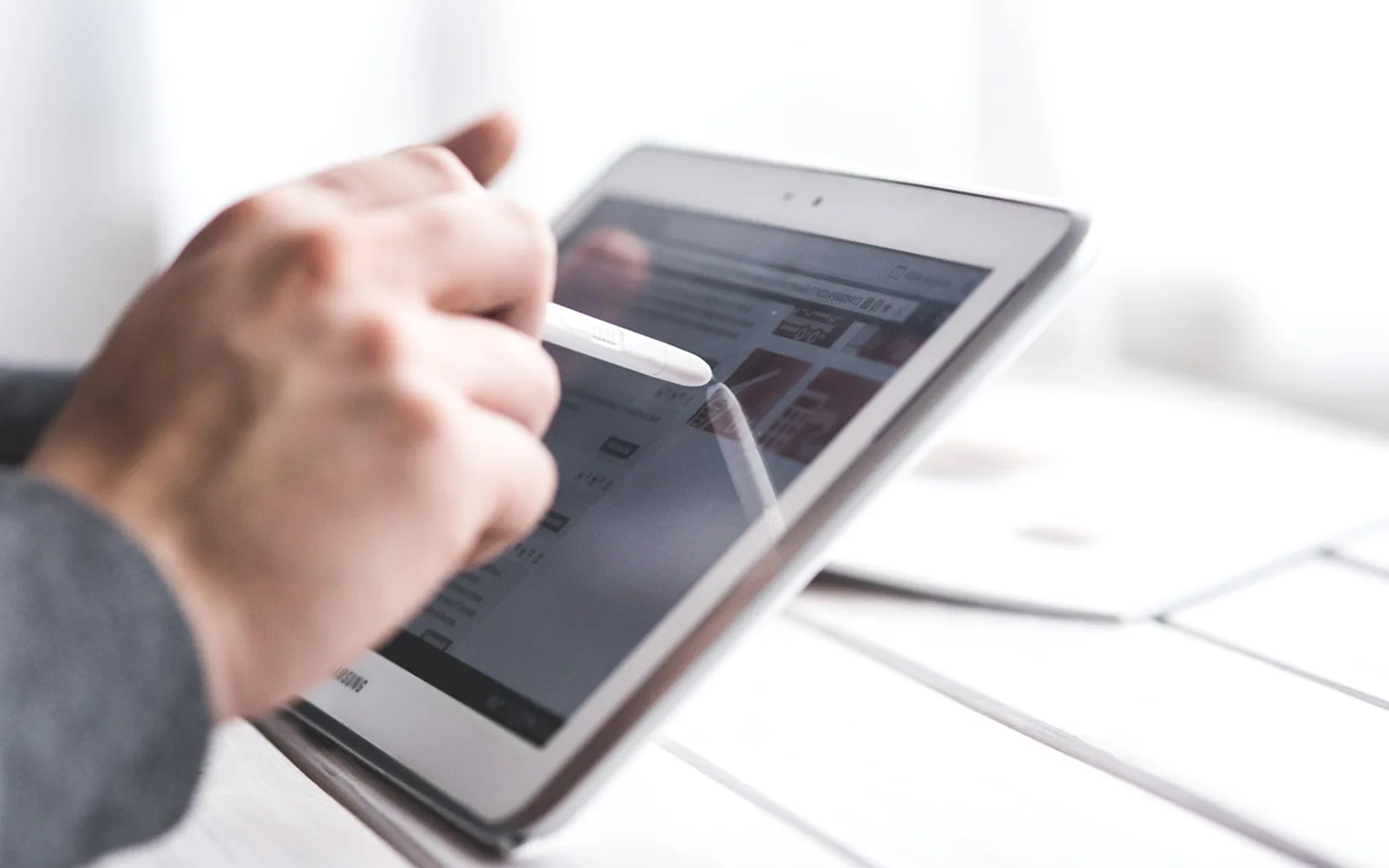
A domestic TV is built for a few hours of viewing in a dim living room. Signage displays face tougher conditions. They often run all day or around the clock, sit near bright windows, and may be mounted in portrait orientation. Commercial models are designed for those duty cycles, with higher brightness options, cooling suited to long hours, slimmer bezels for video walls and inputs or built-in players that accept scheduled content. Many can be managed remotely, so one person can update screens across several sites without visiting them.
For anyone sizing up hardware, a range of dedicated digital signage monitors gives a sense of the formats available, from compact counter screens to large wall-mounted panels and floor-standing units.
Where they earn their place
Shops and showrooms
Retailers use screens to switch promotions by time of day, show new arrivals, or run short product clips that a printed poster cannot. Touch panels and QR codes let shoppers browse stock or sizes without waiting for staff.
Offices and shared workspaces
Lobby screens welcome visitors and point them in the right direction. Meeting-room panels show bookings at a glance. Internal displays carry announcements, team news and reminders that would otherwise be lost in email.
Schools and campuses
Corridor screens advertise clubs, sports fixtures and events, while classroom displays can support lessons with video and diagrams. In an emergency, a networked system can push urgent instructions to every screen at once.
Hotels, stations and venues
Timetables, gate changes, restaurant hours and local attractions are natural fits. Clear wayfinding reduces the queue at the reception desk.
Clinics and pharmacies
Waiting areas use screens for check-in guidance, queue information and general wellbeing messages, while staff areas can carry procedural updates.
Planning a rollout
- Viewing distance. Decide how far away people will stand and size the screen to suit.
- Light. Window-facing or semi-outdoor spots need higher brightness and anti-glare surfaces.
- Content owner. Someone has to keep messages fresh; stale screens undermine the investment.
- Accessibility. Large type, strong contrast and captions on video help everyone.
- Mounting and power. Plan cabling and network access before walls are finished.
Keeping content worth watching
The best installations treat the screen like a small publication. Messages are short, rotate often and match the place: a menu board should load fast and stay readable, a lobby display can afford a slower, more atmospheric loop. Scheduling tools help here, letting breakfast items vanish at noon or weekend events appear only on Fridays.
When hardware, placement and content are planned together, signage stops being background noise and becomes the most useful wall in the building.
 Create Sharp, Scalable Designs From Images With SVG Conversion
  How IPTV Supports Personalized Viewing Experiences in France
  Why Many Adults Shift to IVG XL 35k Refills and Pods: Cost, Waste, and Routine